
In use at BMW · Q Methods App
Redesigning an Internal Training App for Engaging Learning Experience
Role
UX/UI Designer & Visual Identity Designer 100%
Time Frame
4 months
Apr - Jul 2025
Tools
Figma, MS Power Apps & Photoshop
Client
BMW Quality Management Dept.(Germany, UK, Austria)
Impact
The Q Methods App is an internal training application designed to help BMW employees learn quality management methods through an engaging and interactive learning experience.


97%
Positive User Feedback
50% Faster
Editing Efficiency
12% → 90%
Design System Adoption
Discover
The Q Methods App had already launched before my internship, and I joined the project after its first release.
From that point, I began shaping the redesign based on user feedback and guidance from the project lead.
"It was not easy to figure out what to do during activity"
"I don't know where to click on the main page."
"The content is useful but difficult to digest."
"The learning flow is unclear."
"The app feels static."
The existing app made learning difficult by providing an unclear navigation structure, content-heavy pages, and limited interactive feedback, resulting in a fragmented learning experience.

User Interview Answers Provided by the Project Lead
Interview Participants
8 BMW employees at the Regensburg plant who had used the first version of the app.
In addition, the project lead emphasised the need for a more interactive and engaging learning experience, while still maintaining a professional and corporate tone.
The project also had to operate within the technical constraints of Microsoft Power Apps, where interactions were limited mainly to click-based and simple drag actions.
Define
To address the key usability challenges identified during the research phase, I established three design priorities that shaped the product direction.
Develop
I created an IA to define the foundational structure of the
experience from the language selection through to home and through to how each training and quiz section is structured into chapters, incorporating a progress view to help users track their progression.

Developer A :
“The quiz should only open after finishing the training, not before, so users go through the training properly before doing the quiz.”
Based on this feedback, I structured the user flow to reflect a clearer learning sequence, where the quiz becomes available only after training completion.

I iteratively refined the pages in Figma based on user feedback collected at the end of each design phase before translating the final design into implementation.
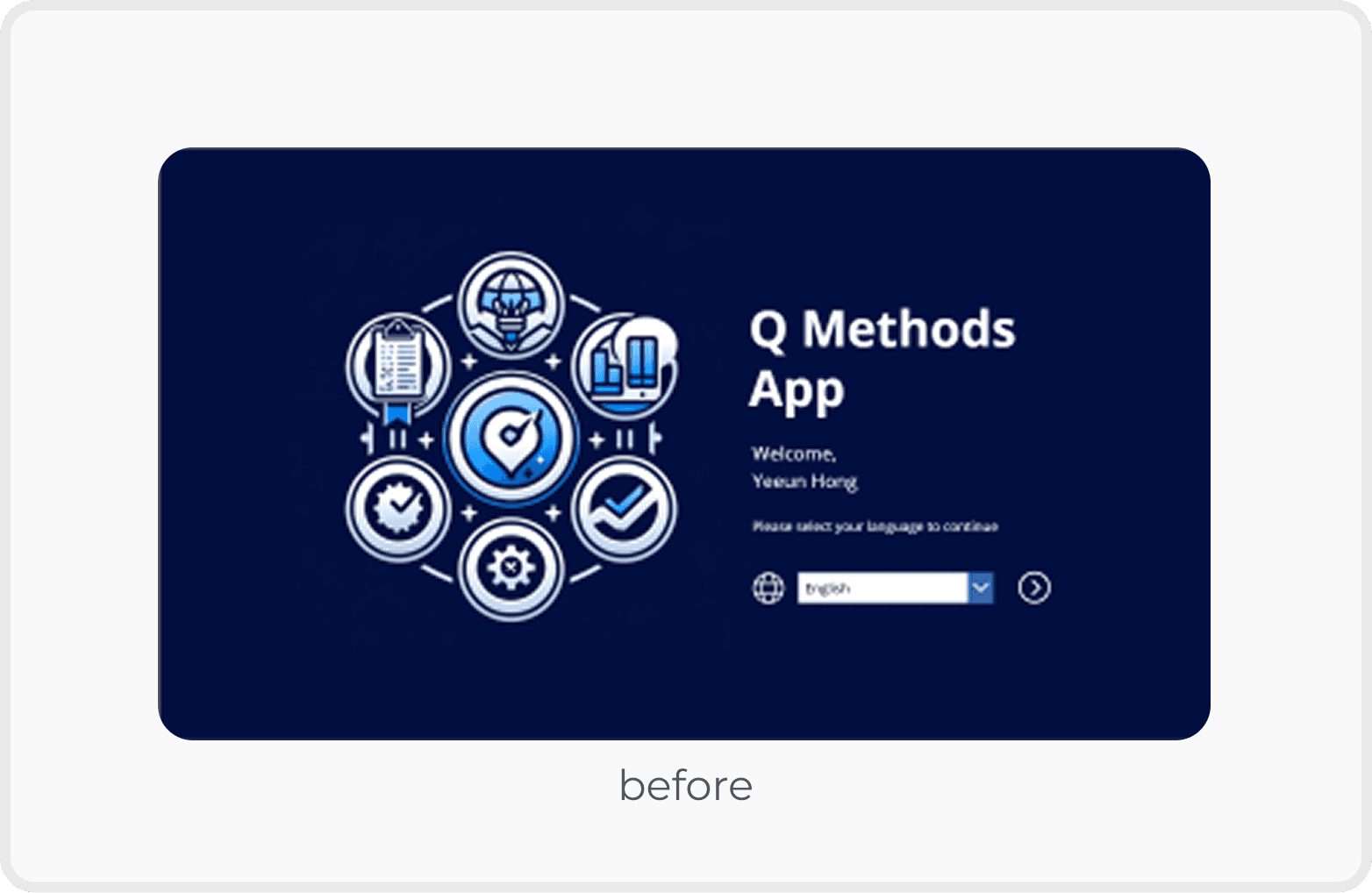
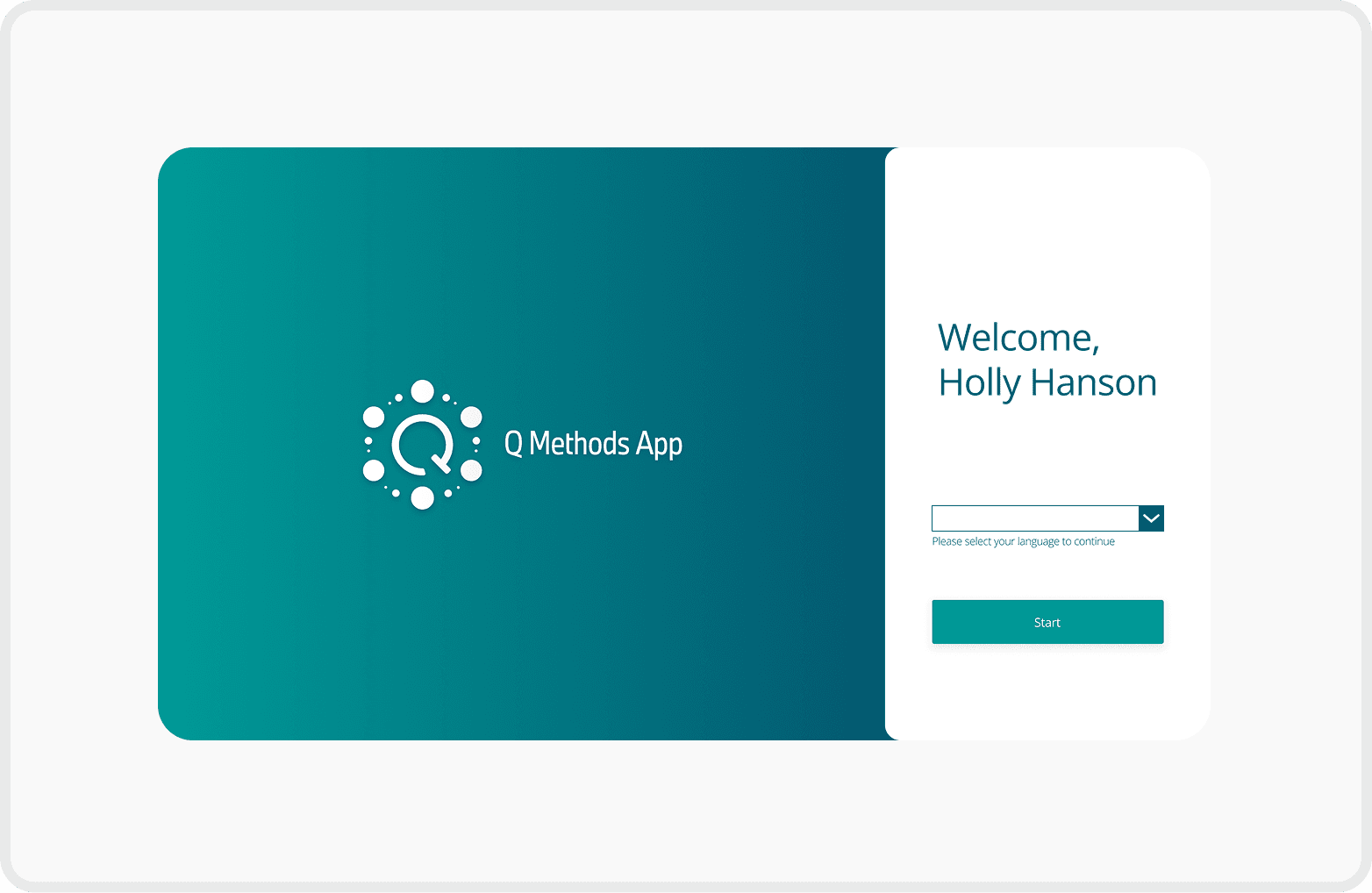
Balanced Visual Hierarchy
Reduced the logo size to balance the overall layout
Enlarged the "Start" button to enhance visibility and encourage user interaction
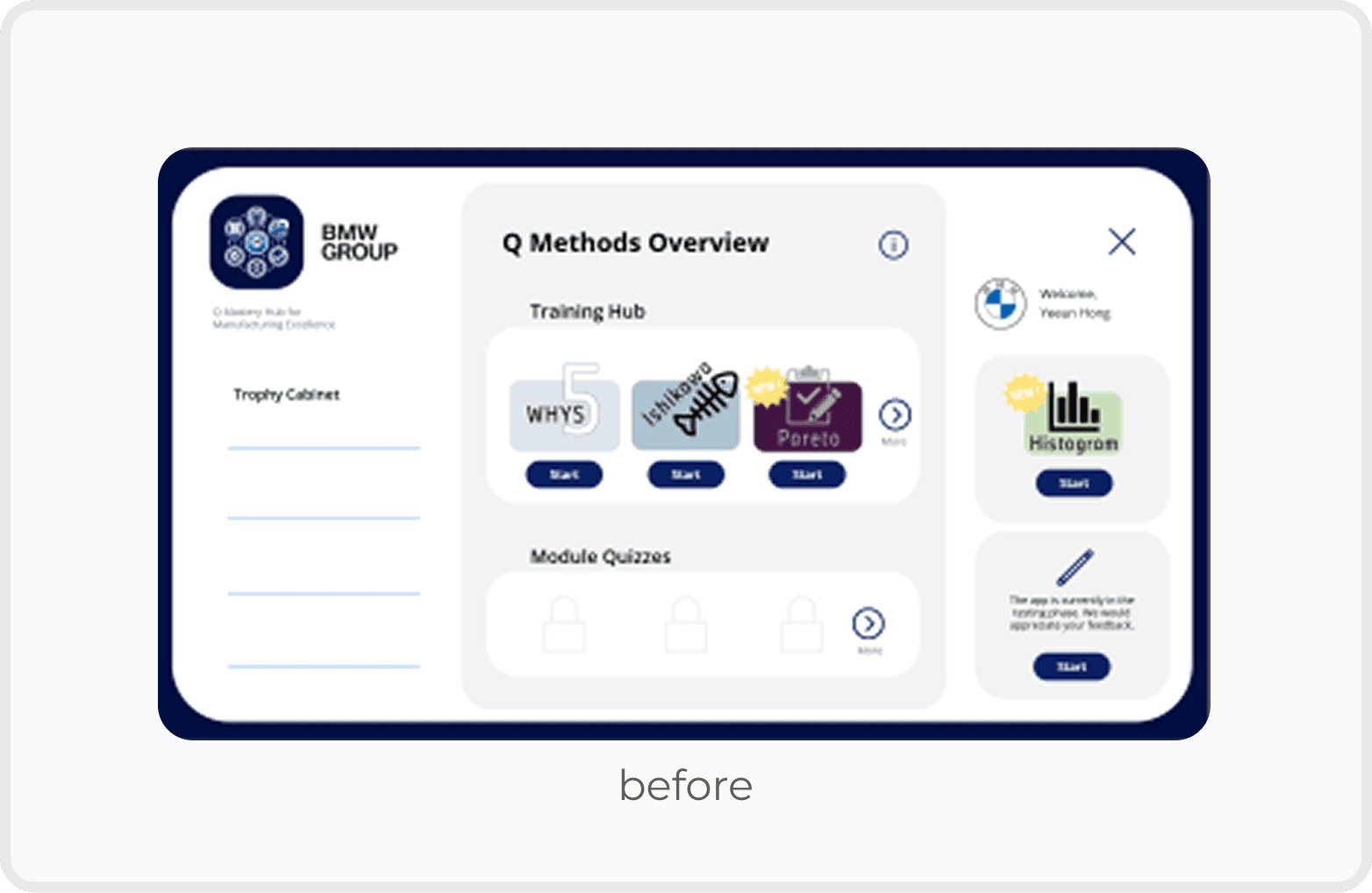
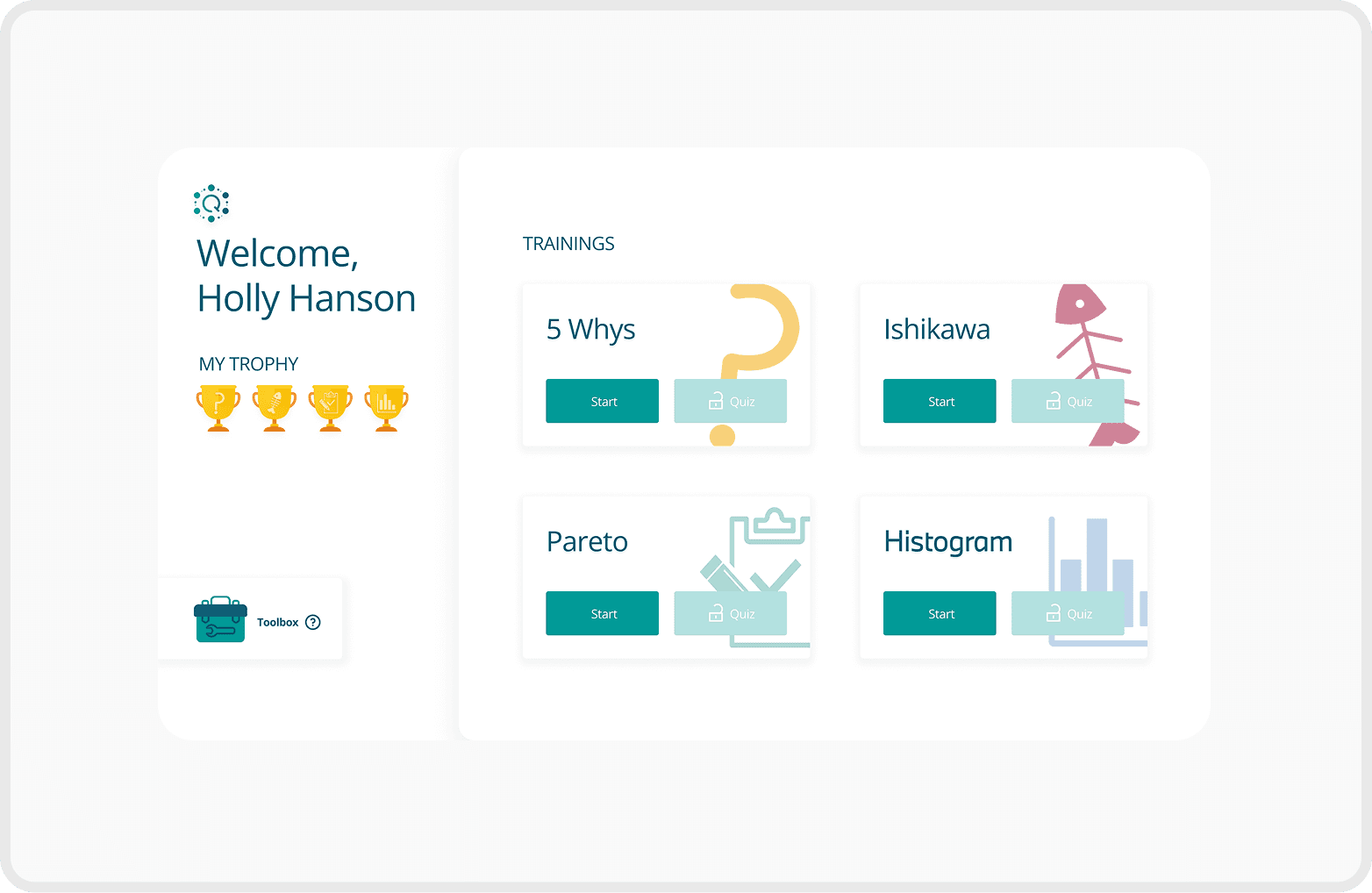
Clear Seperation for Better Focus
Improved user focus by clearly separating the profile section from the training list
Added unique icons to each training to help users quickly identify and differentiate content
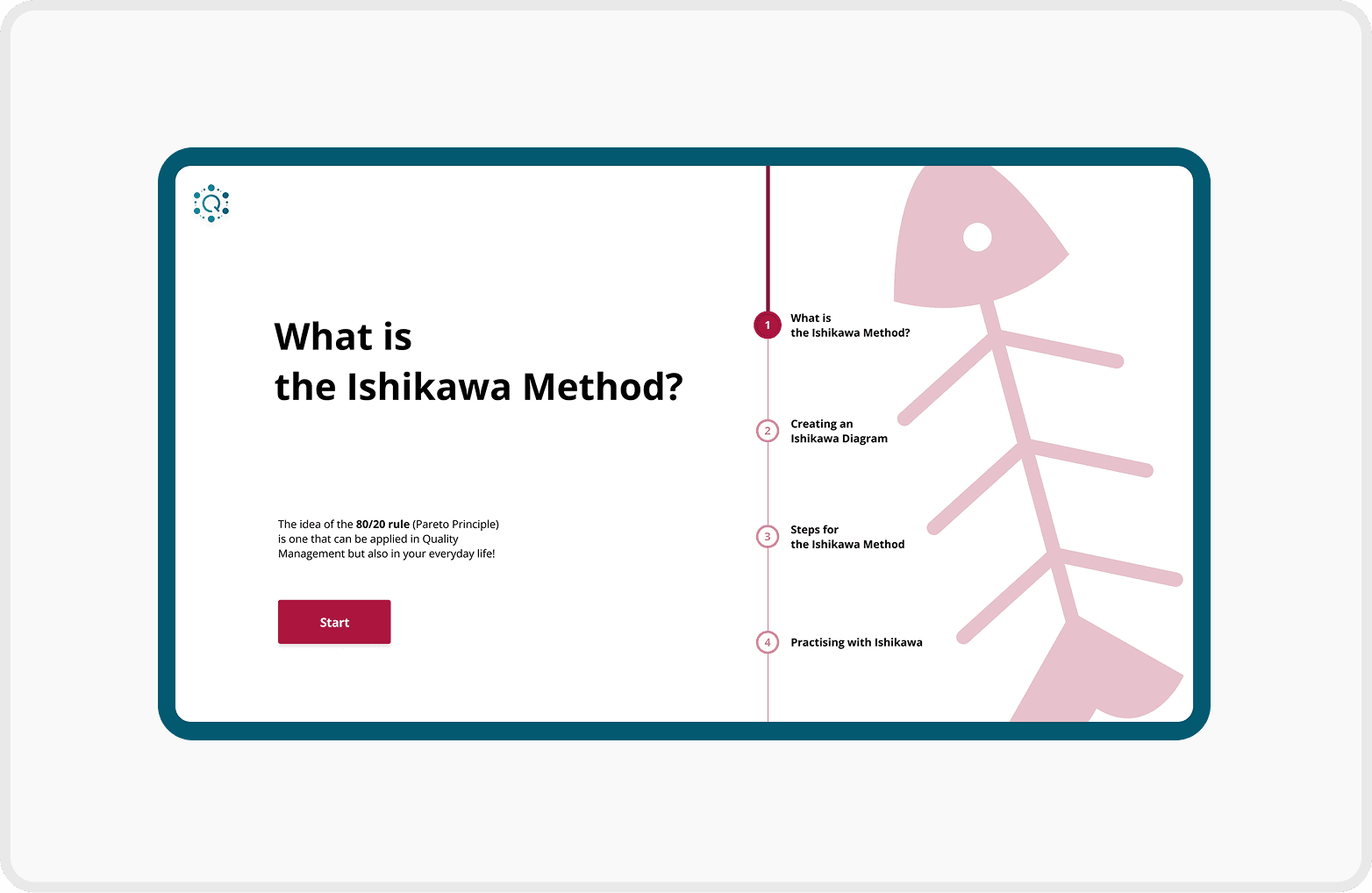
Structured Navigation with Progress Feedback
Introduced chapter overview pages for better context and smoother navigation
Added a progress bar to each chapter page to visually communicate learning progress
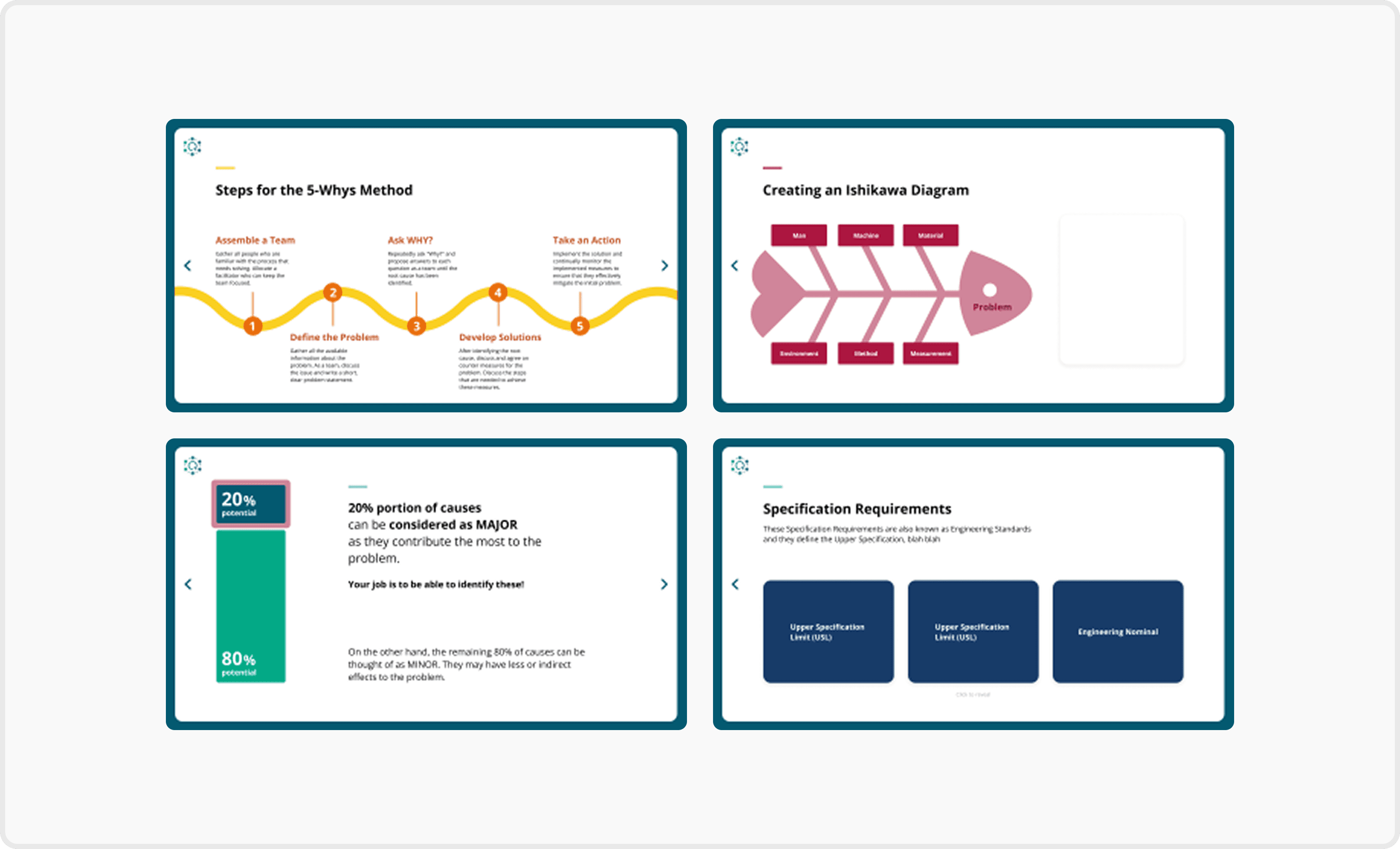
Visually Guided Contents Page
Added color-changing icons next to each training title to indicate the current selection
Used the brand’s green background to reinforce identity
Applied accent colours to distinguish each training and improve visual consistency
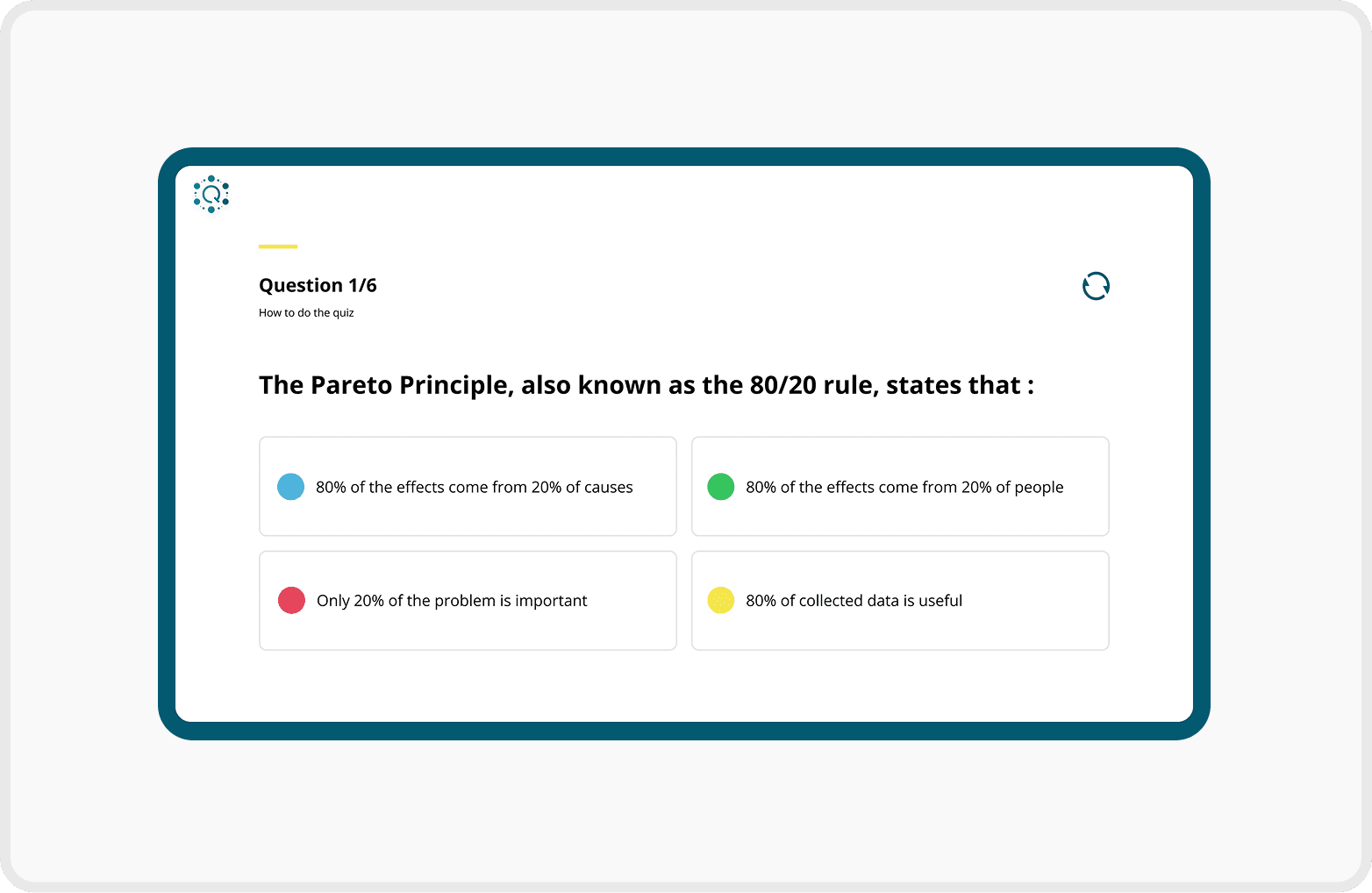
Clear and Interactive Quiz Layout
Included progression text (e.g. "Question 2/5") to inform users of their current position in the quiz
Applied different colours to each multiple-choice option to enhance visual separation and reduce cognitive load
Validate
The updated version was launched at Q-Forum.
The redesigned app was used by 64 employees from the Quality Management departments across Munich, Leipzig, and Regensburg.

97% of participants agreed that the redesigned app was more engaging and easier to use than the previous version.
"The information is much easier to read and understand."
"The chapter structure makes the learning process much clearer."
"It was not easy to figure out what to do during activity"
"It would be helpful if the app rememberred where I left off"
"Some text could be larger for easier reading"


The findings validated the key design improvements while uncovering new opportunities for refinement, helping prioritise future iterations of the app.
Future Opportunities
Add a search and bookmark function for faster access to specific topics.
Allow users to bookmark frequently used content.
Increasing the font size would make the content easier to read, especially on content-heavy pages.
Reflection
What I'd Do Differently
Bridge design and development earlier
Align design decisions with Power Apps capabilities earlier in the design process.
Collaborate with developers from the beginning to reduce implementation gaps and enable a smoother handoff.
What I Learned
Good design is more than visuals
Great UX design requires understanding the development environment, not just creating visually polished interfaces.
Early collaboration with developers leads to more realistic and implementable design solutions